A free app to retrieve deleted files
File Recovery - Photo Recovery is a free-to-use utility app from AI Photo Team that helps users retrieve lost files on their devices. This recovery tool is especially useful in situations where a device crashes or becomes corrupted, as it can scan the device for traces of lost files and restore them to their original quality.
Top Recommended Alternative

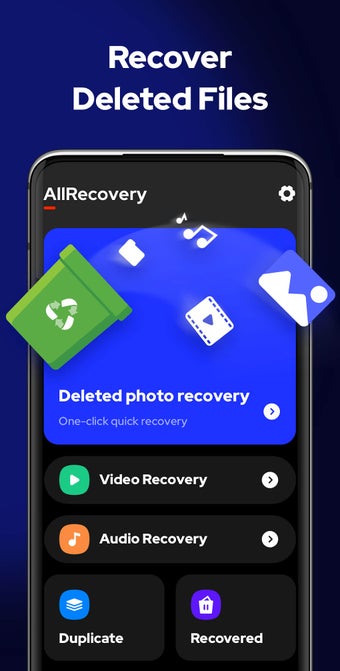
With File Recovery - Photo Recovery, users can quickly restore deleted photos, videos, and other types of files from their devices or SD cards without the need for root access. It functions similarly to Video Recovery - Protect Backup Restore Videos.
Efficient file retrieval process
File Recovery - Photo Recovery utilizes a quick deep scan feature and advanced file retrieval algorithm to ensure that no deleted or hidden files are missed during the scanning process. To recover deleted files, all you need to do is tap the scan button. Not only does it allow for a one-click recovery process, but it also ensures that the restored files are of the highest quality.
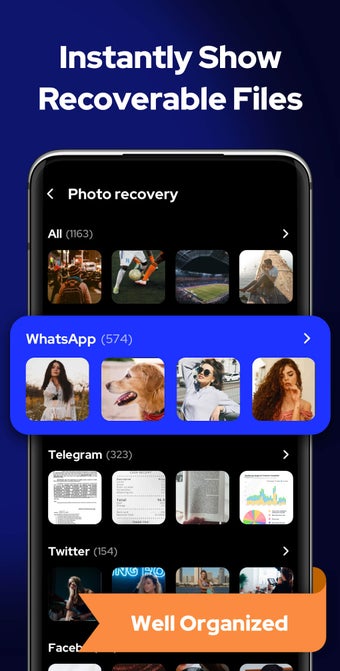
To make the recovery process even more convenient, the app provides optimized search filters that allow you to locate files by date, size, and folder. This helps you quickly find your target files without wasting time scrolling through a long list of recovered files. In addition, it allows you to recover multiple files at once, saving you time and effort in individually selecting and recovering each file.
Apart from those features, the app simplifies file management by organizing all recovered files neatly in a dedicated folder. This makes it easy for users to view, share, or delete the files at any time. One thing to be aware of, however, is that all files that have already been deleted from the recycle bin of your device can no longer be restored.
Practical tool to salvage lost files
To sum up, Photo Recovery is a user-friendly and efficient tool designed to assist you in recovering deleted files or lost data from your device. With its advanced scanning capabilities, simple recovery process, and organized file keeping, this app is a valuable asset for safeguarding your precious memories and important information. However, it is important to note that files that have been deleted from the recycle bin cannot be recovered.